How To Remove A Book From A Kindle

We’ve all been there. You’re scrolling through your Kindle library, looking for that next great read, and bam—you spot it. The one book you started with good intentions but ab...

We’ve all been there. You’re scrolling through your Kindle library, looking for that next great read, and bam—you spot it. The one book you started with good intentions but abandoned somewhere around chapter two. It’s just sitting there, like that wilted head of lettuce in your fridge, silently judging you. Don’t worry, friend. Removing a book from a Kindle is easier than explaining to your grandma why you never finished her recommended knitting memoir.
The Great Digital Purge
First, a little truth bomb: deleting a book from your Kindle device doesn’t mean you’ve burned it forever in a literary bonfire. Think of it like shoving a shirt to the back of your closet. It’s still there, just out of sight. Amazon keeps a copy of your purchase safely in your Cloud, which is basically a magical attic in the sky where forgotten romances and thrillers go to nap.
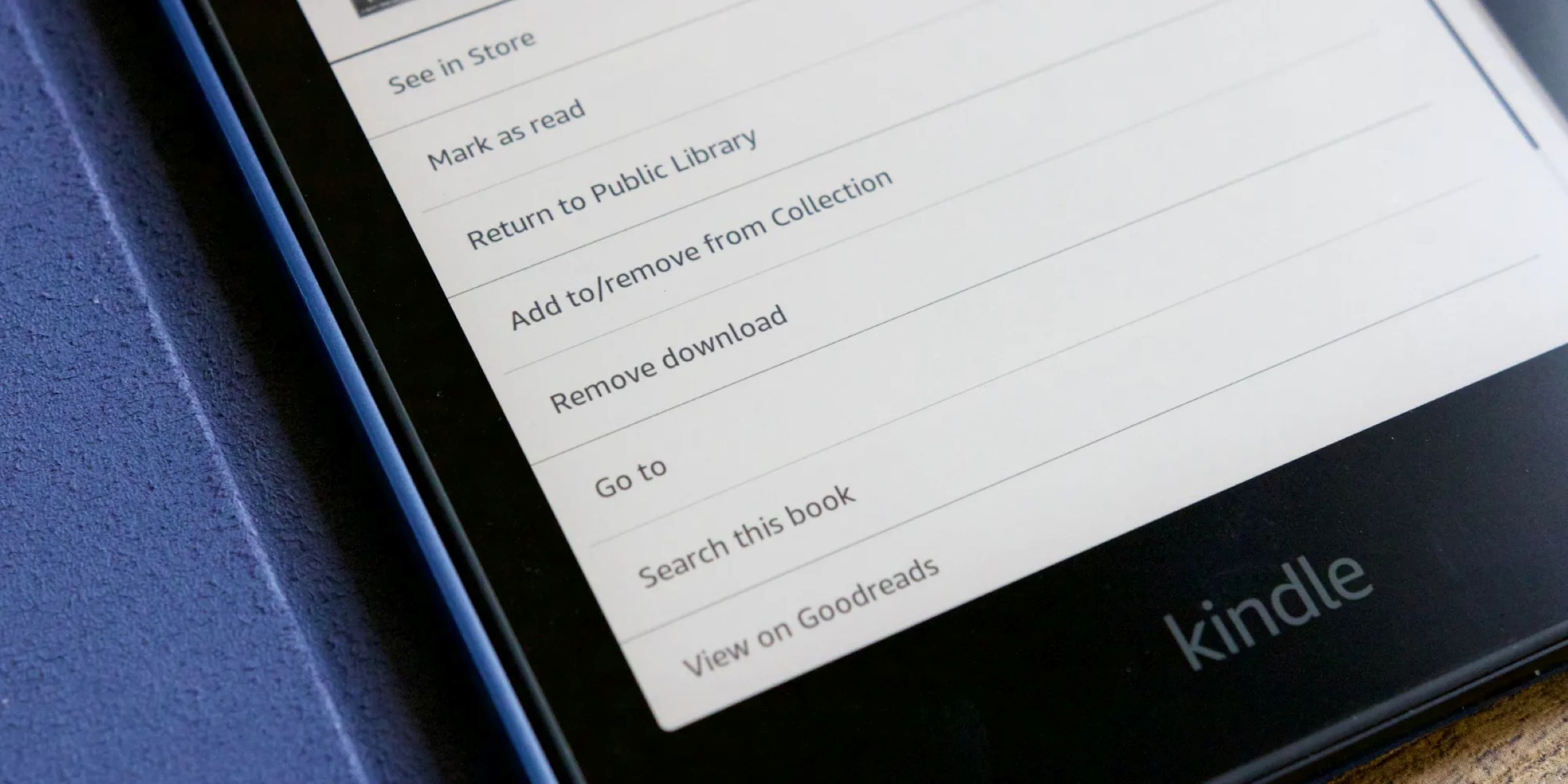
So, how do you actually kick that book off your home screen? It’s shockingly simple. You just need to find the book’s cover in your library, press and hold your finger on it, and a little menu will pop up. It’s like tapping a stranger on the shoulder at a party and politely asking them to leave.
Must Read
Step One: The Long Press
On most Kindles, this is your best friend. Push down on the book cover with your finger until you feel a tiny buzz or see a menu appear. This is your moment of power. You’ll see an option that says “Remove from Device.” Tap it. The book will vanish from your storage, like a magician’s rabbit, but it’ll still be waiting for you in the cloud if your reading tastes ever get desperate.
If you’re using the Kindle app on your phone or tablet, the process is even wilder. Just hold down on the cover and look for “Remove Download” or a little trash can icon. It’s deeply satisfying, like swiping left on a bad date, but for literature.
The “Permanent” Delete Myth
Here’s where people get nervous. “What if I want it gone forever?” you ask, clutching your pearls. Well, you can’t really “un-purchase” a book from your Amazon account unless you go through a whole customer service song-and-dance. But for everyday cleaning, removing from device is all you need. It’s like taking a photo off your phone’s camera roll but keeping it in the cloud. The memory lingers, but the clutter is gone.
 How Do You Delete A Book From Kindle | CitizenSide
I once deleted a terrible self-help book about organizing your sock drawer. I felt a wave of relief wash over me. Suddenly, my Kindle felt lighter, faster, and more aligned with my true goals of reading nothing but doorstopper fantasy novels.
Batch Deleting for Advanced Laziness
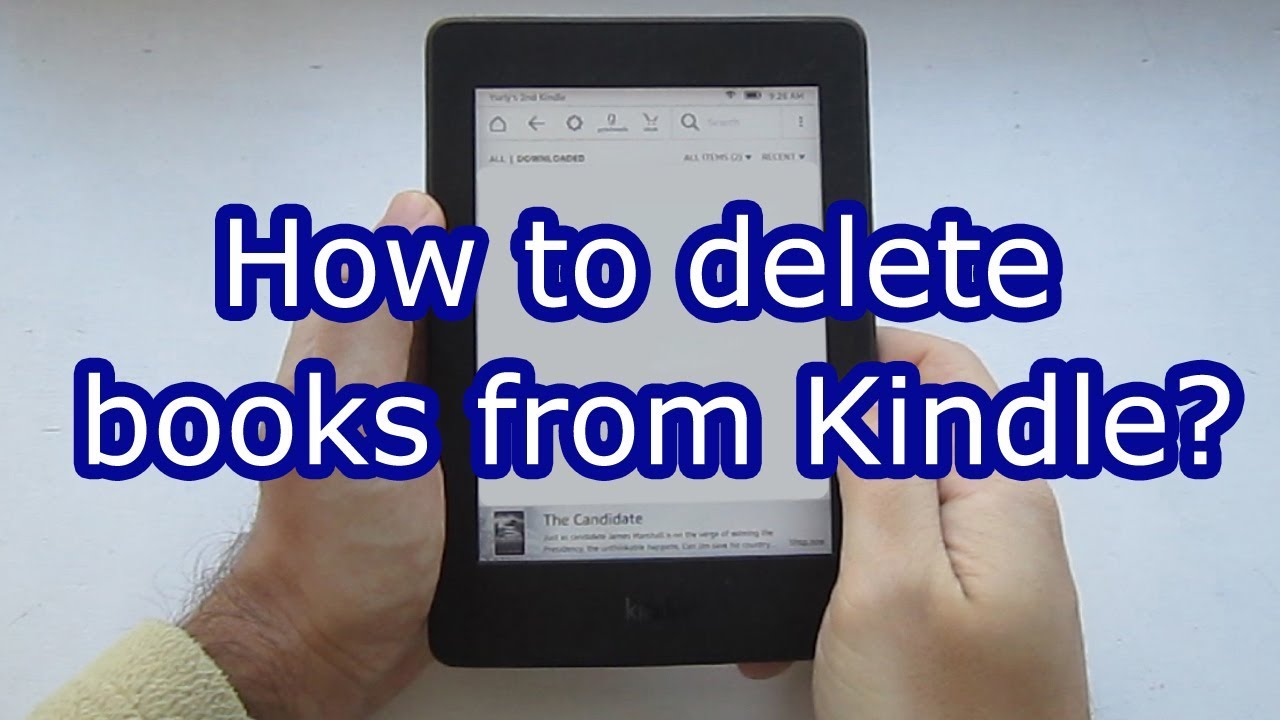
If you have a whole shelf of regret—say, ten books you bought during a 3 a.m. insomnia spiral—you can do a mass clean. Just go to your Library view on the Kindle, tap “Select” or “Edit,” and check the boxes next to every sad cover. Then hit “Remove.” It’s like having a library yard sale without the hassle of pricing things.
This process is especially glorious when you’re stuck on a long bus ride. You can sit there, digitally tossing books into the void, and pretend you’re Marie Kondo. “Does this book spark joy?” No, Brenda, it does not. It’s a 600-page biography of a guy who invented a better stapler.
 How to delete books from Kindle - YouTube
The Guilt Factor
But let’s be honest—there’s always a tiny pang of guilt. You spent money on that book. Maybe even $14.99. Deleting it feels like throwing cash into a hole. I get that. I still have a book called The Art of Mindful Sourdough on my device, three years after realizing I hate baking bread. It sits there like a trophy of my failed ambitions.
Here’s my advice: treat removal like digital spring cleaning. You’re not losing the story; you’re just making room for new adventures. Your Kindle doesn’t have feelings. It won’t cry when you hit “Remove from Device.” It’s a slab of plastic and glass. It’s okay. You’re okay.
A Final, Goofy Tip
If you really want to drive the point home, I recommend narrating your actions out loud. Say, “Bye bye, Advanced Calculus for Kittens,” as you tap the button. It adds a layer of ceremony and makes you feel like a digital wizard. Plus, it’s hilarious when your cat gives you a judgmental stare.
In the end, removing a book from a Kindle is just a tiny act of self-care. You’re curating your mental space. You’re saying no to clutter and yes to the next great thing. So go ahead. Purge that library. Your future self—and your less-judgmental Kindle—will thank you. Just don’t forget your password for the cloud. That’s a whole different story for a different day.
