Notifications On Android

There’s a certain calm that settles over you when your phone finally stops screaming for attention. The little red badges, the buzzes, the chimes—they all collude to keep us i...
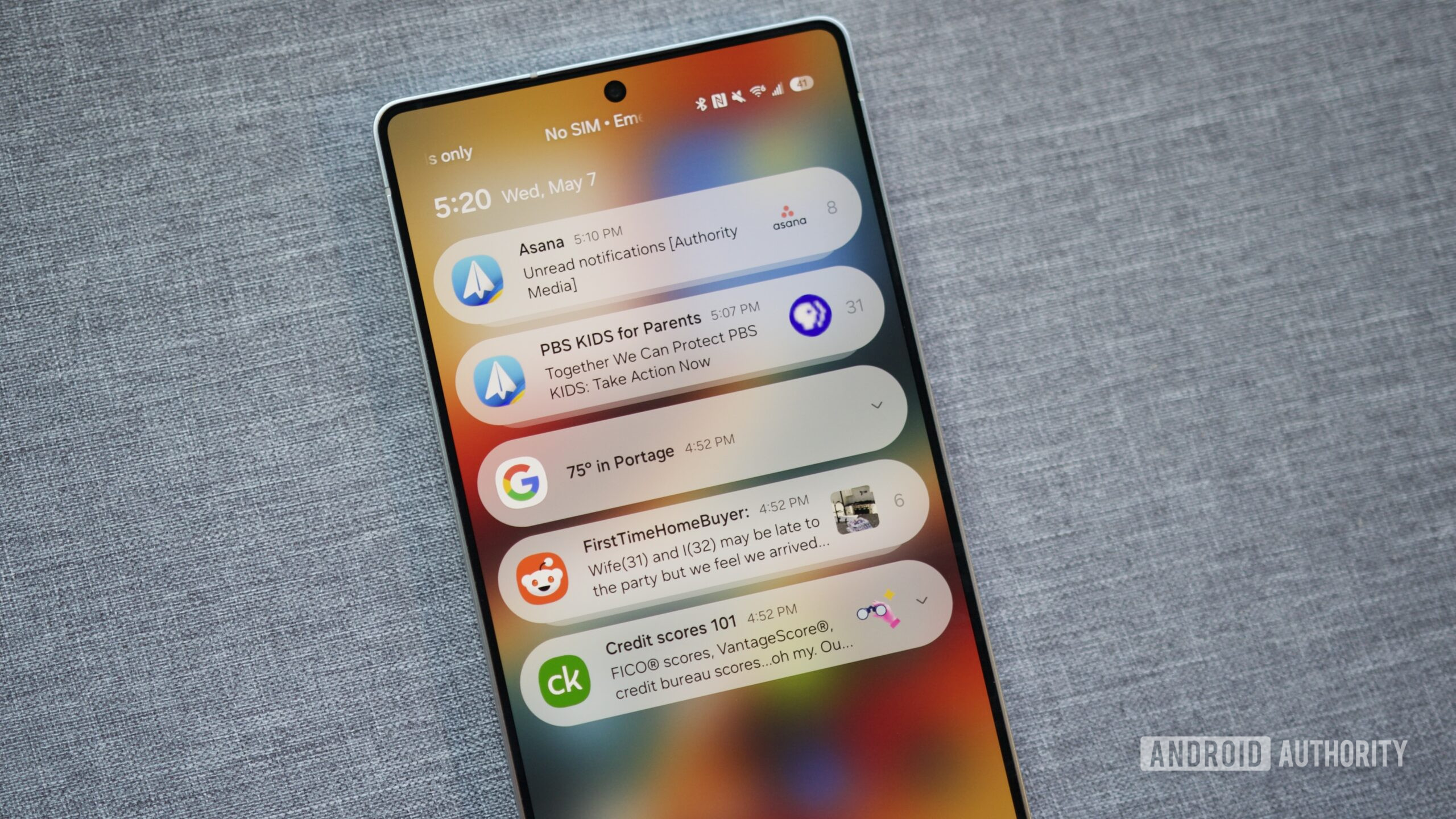
There’s a certain calm that settles over you when your phone finally stops screaming for attention. The little red badges, the buzzes, the chimes—they all collude to keep us in a state of perpetual low-grade anxiety. But here’s the quiet truth: your Android phone is not your enemy. It is, in fact, the most customizable notification machine on the planet. You just need to know how to tame the beast.
The Great Digital Reckoning
Remember when a notification was a rare, magical thing? A text from a friend felt like a telegram in a Western. Now, every app fights for a piece of your brain, from the grocery app reminding you about milk to the game you haven't opened since 2019. This is cultural chaos dressed as convenience. Android, with its open-ended nature, often gets blamed for letting this spinning wheel of noise spin out of control.
But blame is boring. Let's focus on the fix. The first step is realizing that your default notification settings are a lie. They are set by app developers who want you locked in, not by you, a person who has better things to do than watch a shopping app go “ding” at 3 PM.
Must Read
The Art of Notification Channels
This is where Android shows its true, sleek superpower. Almost every app supports Notification Channels. This isn’t just a toggle for “on” or “off.” It’s a sound mixer for your digital life. You can tell Instagram to notify you for DMs but stay silent for likes. You can let your email app buzz for important senders but not for the weekly newsletter you never read.
To find these, long-press any notification. A tiny gear icon or “Manage” button appears. Tap it. You’ll enter a hidden control room where you can assign sounds, silence, or even make notifications appear silently in the shade. It feels like discovering a secret floor in your own house.
Scheduling: The Life Hack You Forgot
Another underrated feature is Do Not Disturb schedules. Most people think of DND as an airplane mode for sound. But Android lets you program it like a smart thermostat. Set one for your deep work hours (10 AM to noon), and one for your sleep window (11 PM to 7 AM). You can even allow exceptions—calls from your partner or a specific app for your toddler's daycare.
This isn’t just about productivity. It’s a cultural statement. In a world that demands you be always-on, choosing when to be reachable is a quiet act of rebellion. You are not a server. You are a human with agency.
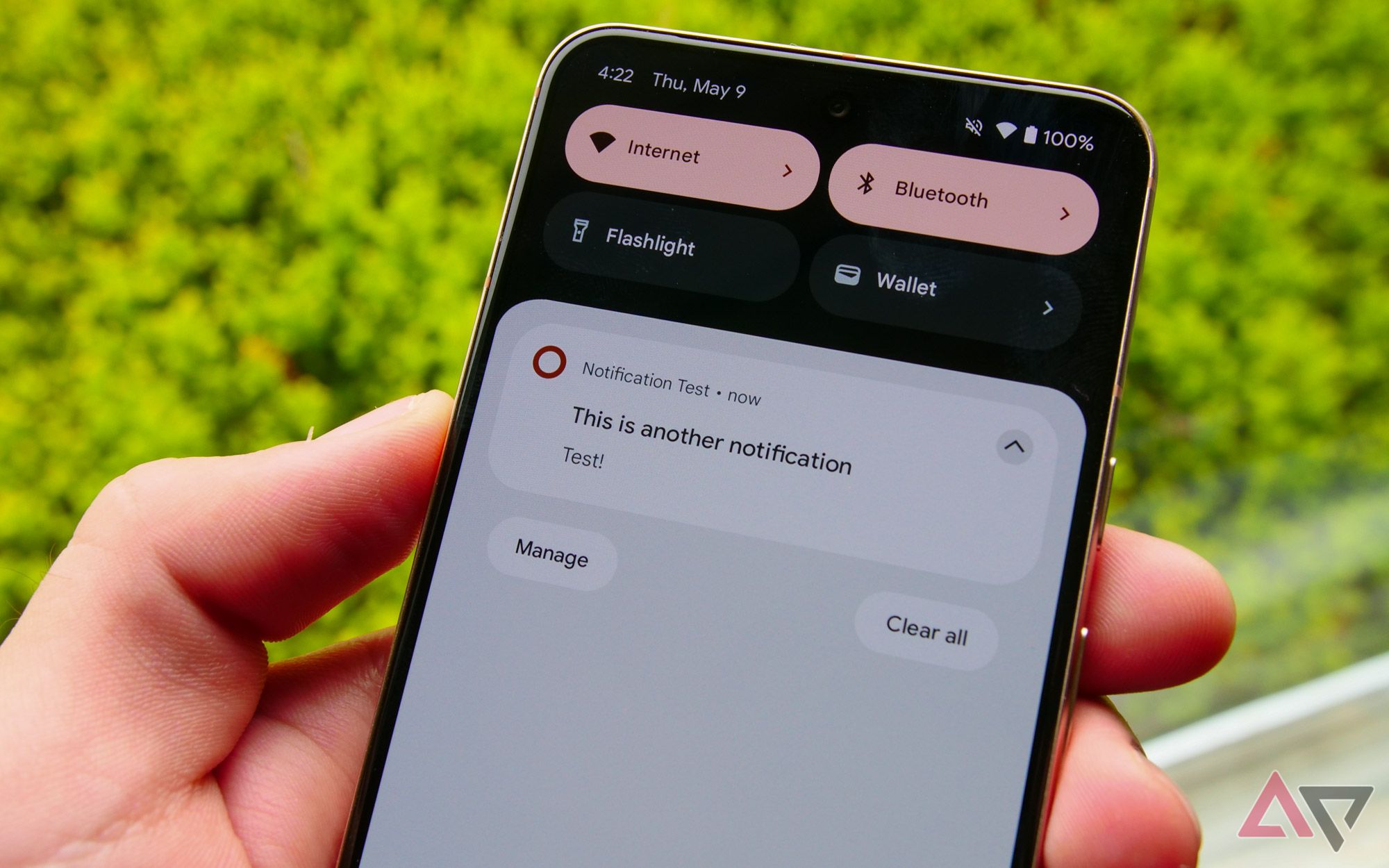 Android: How to turn on lock screen notifications
The Little Details That Matter
Let’s geek out for a second. Did you know that on Android, you can swipe a notification slightly to the left or right to peek at snooze options? It’s a tiny gesture—like a magician’s palm—that lets you postpone an alert for 15 minutes or an hour. Use it for emails you don't want to forget but can't deal with now.
Also, consider the humble Notification History. Have you ever swiped away a message from a delivery driver by accident? On stock Android and Samsung’s One UI, you can enable a log of everything. It’s your digital safety net. You can find it in Settings under “Notifications” or by searching “Notification history.” Pure gold.
Cultural Zen: The Minimalist Approach
Look at how a monk lives—peaceful because there is nothing screaming for their hand. You can achieve a similar, low-grade serenity by going minimalist. Delete the apps that only send junk. For the rest, use the “Apps” setting in notifications to disable all notifications from apps you genuinely don’t need alerts from. Your Spotify does not need to tell you about a new playlist. Your weather app does not need to update you every hour.
Fun fact: a 2023 study from the University of California found that average smartphone users check their phones about 96 times a day. That's nearly once every ten minutes. Most of those checks are triggered by notifications. By cutting the noise by even 30%, you reclaim literal hours of mental spaciousness per week.
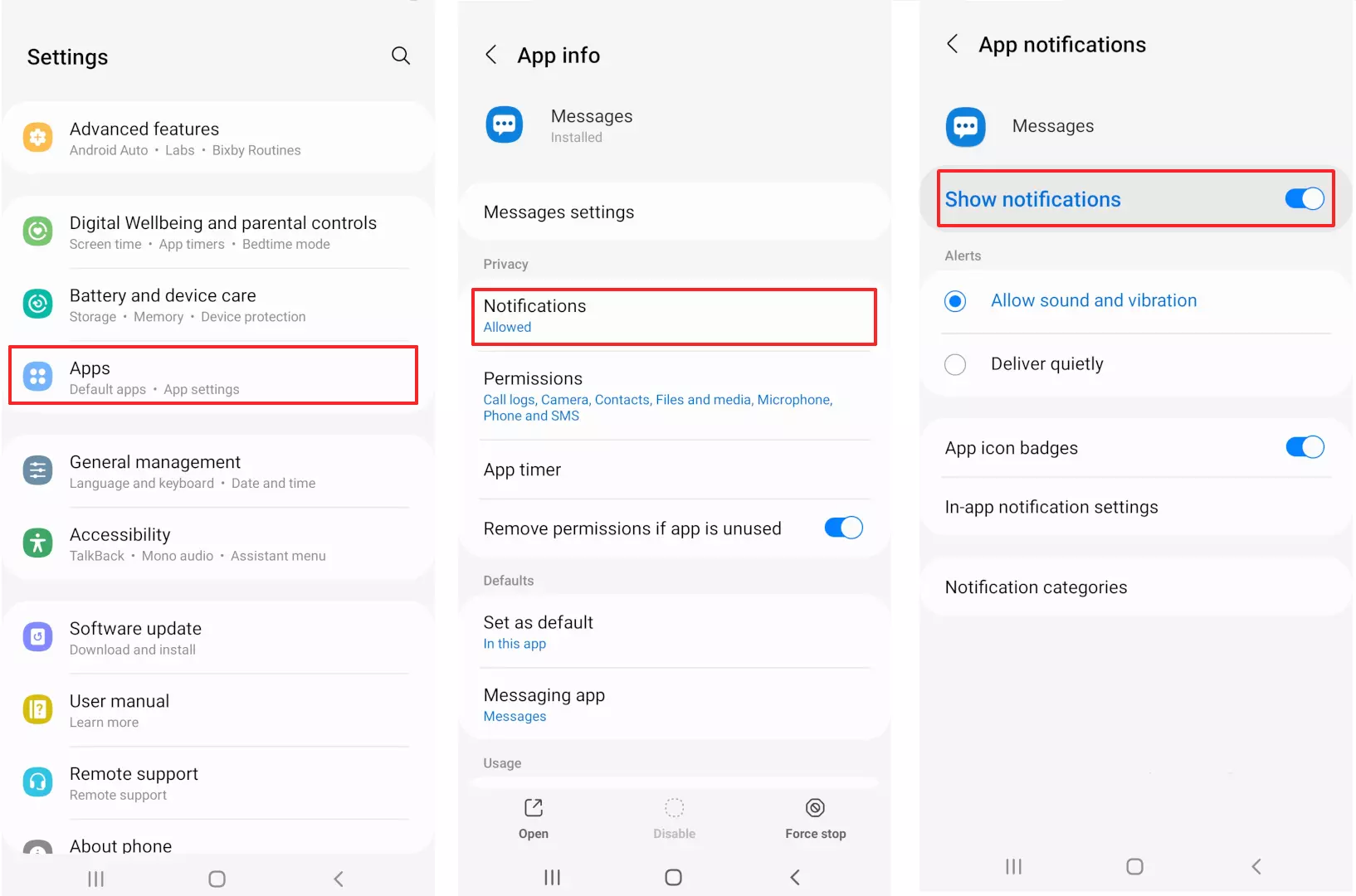 How to turn on push notifications - IONOS UK
The Social Contract of the “Silent Icon”
There’s a new cool kid on the block: silent notifications. This feature lets the notification icon appear in the top bar (or on your AOD, if you have one) without making a peep. It’s like a whisper instead of a yell. You see it; you acknowledge it; you deal with it when you’re ready. It’s the digital equivalent of a pleasant nod from across the room.
Set your news apps, fitness reminders, and meme feeds to this mode. You will feel a fog lift. The phone becomes a tool you look at, not a master that shouts at you.
A Short Reflection on Daily Life
We spend our days in a dance between connection and interruption. The humble notification is the music we dance to. By mastering your Android settings, you aren’t just fixing a tech problem. You are choosing the rhythm of your own day. You’re deciding that the alarm clock is for waking up, the chat app is for connection, and the rest of the world can wait for a quiet moment.
So go ahead. Take ten minutes today. Tweak your channels. Set your bedtime schedule. Silence the nonsense. Because the best notification is often the one that doesn’t arrive—leaving you free to notice the real world buzzing all around you.
